Tool
Shenzhen WiFi for a day trip: eSIM vs pocket WiFi in 2026
Updated 6 October 2026
You have three real options for Shenzhen WiFi on a day trip from Hong Kong in 2026: a mainland eSIM, a pocket WiFi router, or your Hong Kong SIM with roaming. Most people should use a China eSIM, pocket WiFi is best for families, and Hong Kong roaming is a fallback only when you forget to set things up in advance.
The three ways to get online in Shenzhen
Mainland eSIM: the default for one person
A China eSIM from a provider like Airalo, Holafly, or Nomad gives you a data only mainland profile that you scan and install in two minutes while you still have Hong Kong WiFi. Prices in October 2026 sit at roughly HK$35 to HK$60 for 3 to 5 GB over 7 or 15 days. China Unicom and China Mobile both resell through these apps, and signal inside malls like Sam's Club Qianhai or the Luohu commercial streets is solid on 5G.
Keep your Hong Kong number as the primary line for calls and WhatsApp, and set the new mainland profile as data only. On an iPhone this is Settings, Cellular, and tapping the line you want for mobile data. Android phones do the same under SIMs. You can leave both lines active, so your Hong Kong number still receives SMS for the Home Return Permit check or any banking code you might trigger at a Shenzhen ATM.
The catch: your phone must be carrier unlocked and eSIM capable. iPhone XR and later qualify. Most Samsung Galaxy S20 and up do. Older Pixels, and any phone bought from Three HK before 2019, often do not.
Pocket WiFi: best for families and older phones
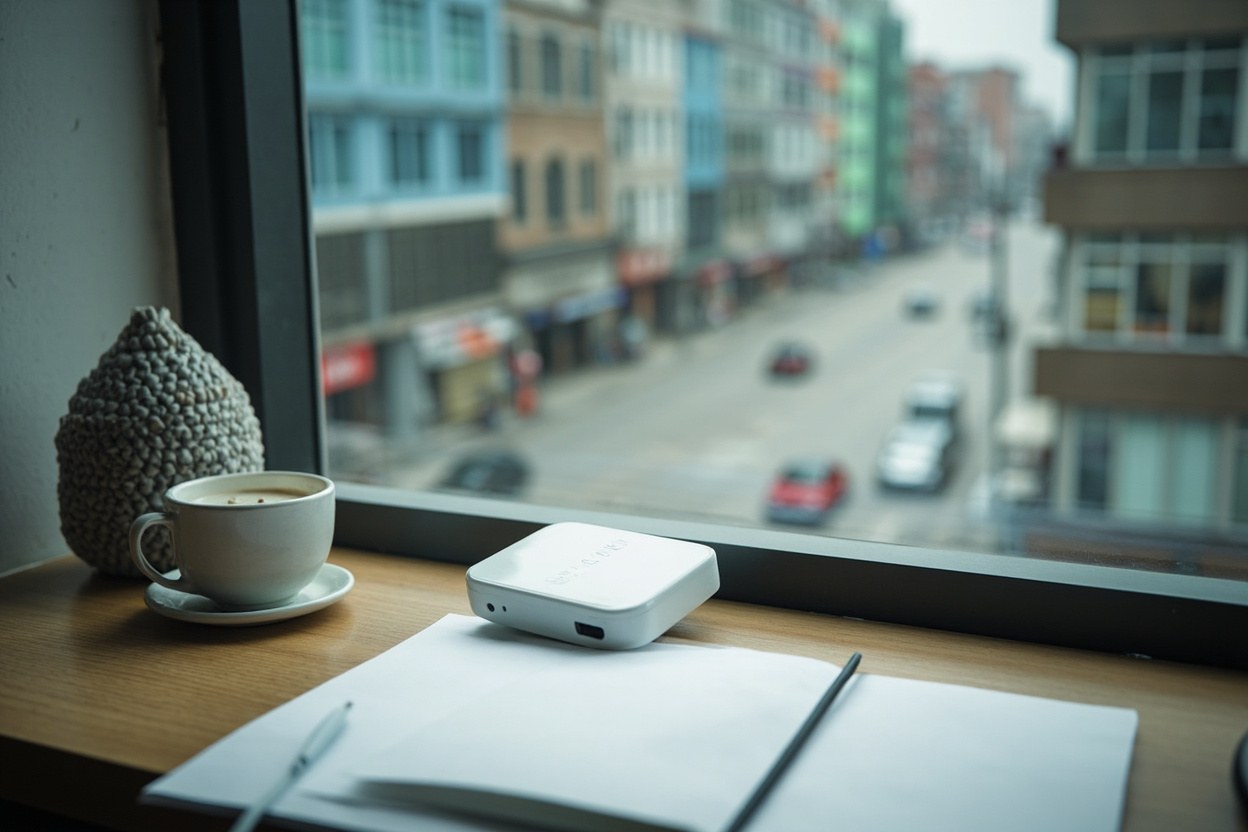
A pocket WiFi, sometimes called a MiFi, is a small 4G or 5G router that runs on a mainland SIM inside and broadcasts a private WiFi network for up to ten devices. Pickup counters at Futian Port and Shenzhen Bay, plus local Hong Kong rental shops like SOS WiFi and WiFiBBee, charge around HK$40 to HK$80 per day with a HK$500 deposit. Battery life runs 6 to 10 hours depending on how many people are streaming.
Hong Kong roaming: the fallback, not the plan
What to do before you cross
Install the eSIM while you still have Hong Kong WiFi, ideally the night before. Turn off the mainland line until you walk out of the gate at the port, or you will drain your roaming data. Pack a small power bank if you are using a pocket WiFi, since the router chews battery. And screenshot your payment QR codes before you cross: WeChat Pay HK and Alipay HK both work for small purchases in Qianhai, but the cross border wallet flow is smoother than the foreign card link.
For most people heading to the Futian, Luohu, or Shenzhen Bay crossings in October 2026, the right answer is a HK$40 China eSIM installed at home. Pocket WiFi for the family. Roaming as a safety net you hopefully never use.
Quick answers
- Can I use a mainland eSIM on an iPhone bought in Hong Kong?
- Yes, as long as it is unlocked and supports eSIM, which covers iPhone XR and later. iPhones bought from carriers in Hong Kong are sold unlocked by default, so you can scan and install a China eSIM without visiting a shop.
- Does pocket WiFi work on the MTR between Lo Wu and Futian?
- Yes, but coverage along the East Rail Line extension dips near Lok Ma Chau and inside the long tunnel. Download your Alipay or WeChat QR codes before you board so you are not relying on signal at the gate.
- Will my WhatsApp work in Shenzhen with a China eSIM?
- Yes. WhatsApp uses your Hong Kong number, which stays on your primary SIM or eSIM line. The mainland eSIM is data only, so messages route through 5G without a mainland number attached.
- Is the China eSIM data capped or throttled?
- Most 5 day packs at HK$40 to HK$60 give 3 to 5 GB at full speed, then drop to 256 kbps for the rest of the validity window. That is enough for maps and chat, but not for a full Netflix episode.
Hours in the cards follow the Hong Kong Immigration Department control-point table. They move. Check the morning you travel.